Accesso al pannello di amministrazione dell'eshop >> (Questo messaggio lo vedi solo tu!)

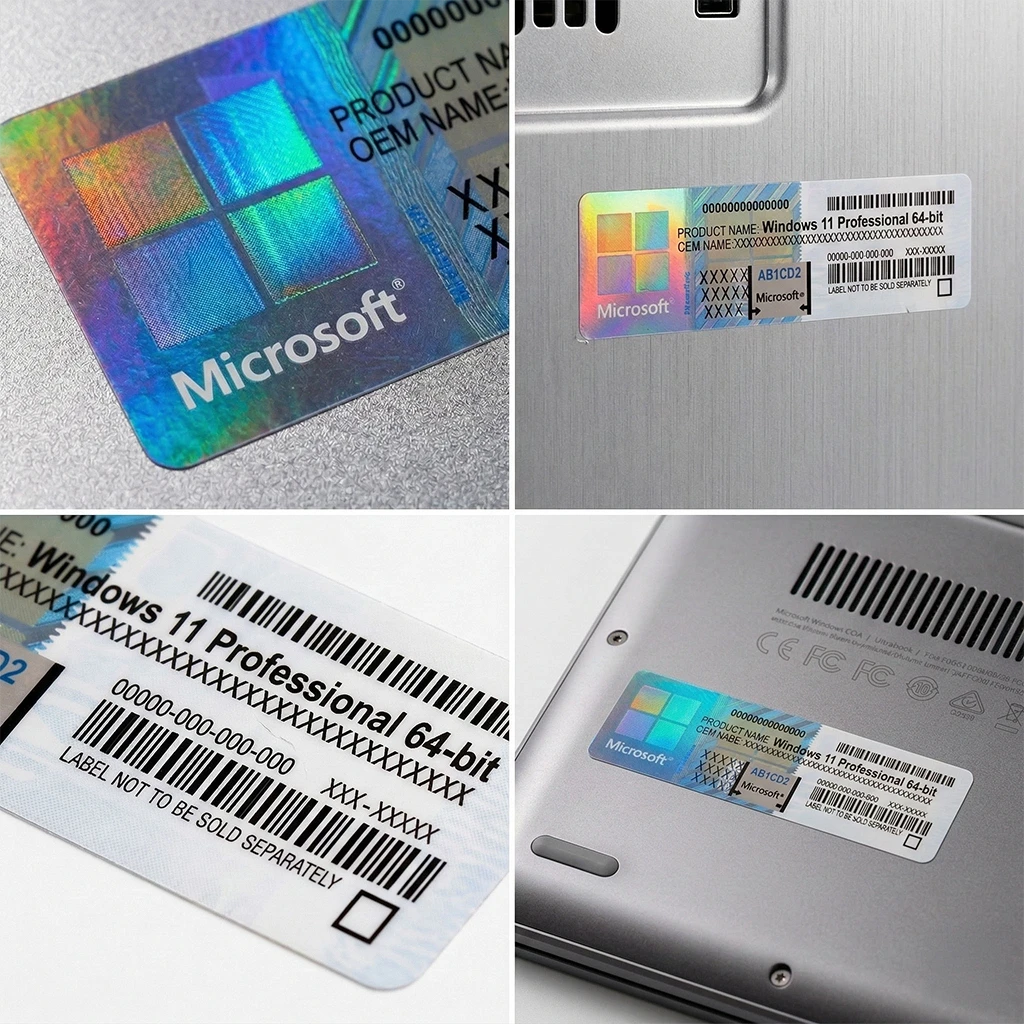
Microsoft Windows 11 Professional COA Sticker - OEM License

System Builder OEM

Product code: W11_PRO_STICKER
31,99
79,00
Windows 11 Professional OEM COA Sticker — System Builder License | AML Store
Price Comparison

Same Windows License, Different Formats

OEM DVD
€81.99
Physical DVD + Product Key in packaging
Retail Box
€149.00
Not available
Microsoft Store
€279.00
Digital download
Shipping Contents

What You Receive with the OEM Sticker

Physical COA Sticker

Microsoft Certificate of Authenticity sticker with 25-character Product Key protected by scratchable film. Includes anti-counterfeit hologram.

Italian Electronic Invoice

Immediate electronic invoice compliant with Italian regulations.

What is an OEM COA Sticker?

COA (Certificate of Authenticity) Sticker is a Microsoft physical sticker with a scratchable Product Key intended for professional PC builders and system builders who build computers for end customers or company machine fleets.

Why builders prefer the sticker:

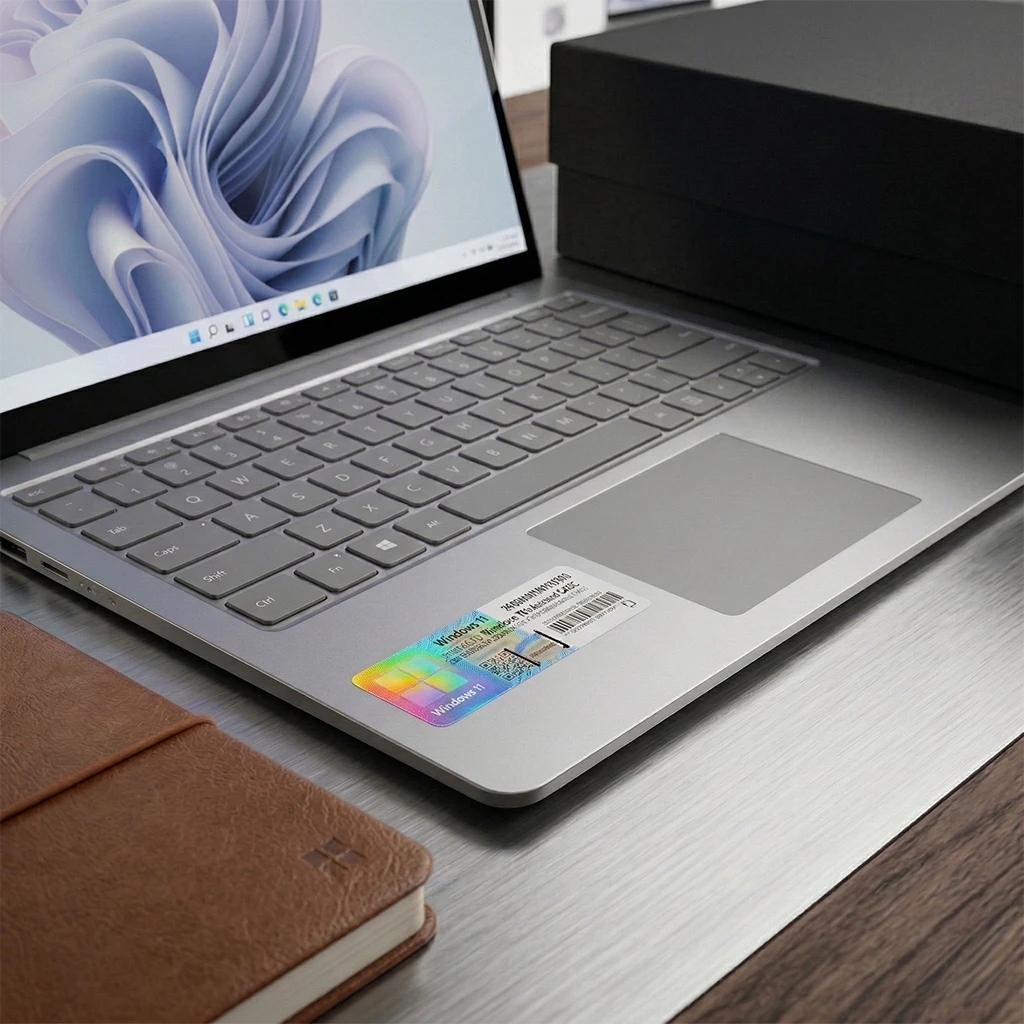
  • Can be applied directly to the assembled PC case as visible license proof
  • Audit compliance: a physical sticker on the PC proves an original license during inspections
  • Lower cost compared to an OEM DVD (save €50 if you already have a Windows ISO)
  • Product Key protected by scratch-off film until the moment of installation
  • Microsoft anti-counterfeit hologram integrated into the sticker

Intended users: System builders, custom PC assemblers, IT technicians building workstations, hardware resellers pre-installing Windows, companies with an internal IT department building PC fleets.

Requirement: The builder must already have a Windows 11 ISO/USB for installation. The sticker contains only the Product Key, not installation media.

Legal compliance: OEM sticker is legal for IT professionals in Italy. Perpetual license permanently tied to the first PC activated (non-transferable).

Edition Comparison

Windows 11 Pro vs Home

Feature Home Pro
BitLocker Encryption
Remote Desktop
Domain Join
Group Policy Management
Hyper-V Virtualization
Windows Sandbox
Assigned Access
Windows Update for Business
Professional Features

What Windows 11 Professional Offers

BitLocker Drive Encryption

Full-drive hardware-level encryption. Protects sensitive business data in case of device theft with AES-256 encryption.

Remote Desktop Protocol (RDP)

Full remote access via RDP. Control a workstation from any location. Essential for professional remote IT support and teleworking.

Active Directory Domain Join

Join a Windows Server domain or Azure AD. Centralized user management, policy enforcement, enterprise-grade SSO.

Group Policy Editor (gpedit.msc)

Advanced system policy configuration via GPO. Granular control over security, registry, network settings, and centralized software deployment.

Hyper-V Native Virtualization

Built-in Type-1 hypervisor. Deploy isolated virtual machines for testing, development, and sandbox environments. No VMware/VirtualBox required.

Windows Sandbox (Isolated)

Disposable temporary VM for testing untrusted software. Each launch starts from a clean system. No persistence, full host isolation.

Assigned Access (Kiosk Mode)

Lock down a PC as a single-app kiosk. Ideal for POS, digital signage, and public terminals. Full-screen app, no access to the underlying system.

Windows Update for Business (WUfB)

Enterprise update deployment control. Defer, schedule, and approve patches. Integrates with WSUS/SCCM. Ring deployment strategy for PC fleets.

Technical Requirements

Required Hardware Specifications

Processor

1 GHz dual-core 64-bit. Intel/AMD x64 architecture. Multi-core recommended for Hyper-V.

Memory (RAM)

4 GB minimum. 8 GB recommended. 16+ GB for Hyper-V virtualization and enterprise workloads.

Storage

64 GB minimum available space. NVMe SSD recommended for optimal BitLocker encryption performance.

Display

1280 × 768 minimum resolution. High DPI and multi-monitor enterprise setups are natively supported.

TPM Security Chip

TPM 2.0 required at the hardware level. Check availability in BIOS/firmware. Essential for BitLocker.

UEFI Firmware

Secure Boot capable. Legacy BIOS not supported. CSM must be disabled for a clean Windows 11 installation.

Installation Media

Windows 11 Pro ISO required. Download via Microsoft Media Creation Tool or MSDN/VLSC enterprise accounts.

Activation Connectivity

Internet required to activate the Product Key via Microsoft activation servers. Full offline use after activation.

Authenticated COA Sticker
Italian Electronic Invoice
Tracked Courier Shipping
100% Activation Guarantee
Dedicated Technical Support
Frequently Asked Questions

OEM COA Sticker FAQ

What exactly do I receive with the COA sticker?
You receive a Microsoft physical COA sticker with a 25-character Product Key protected by scratchable film. Includes an anti-counterfeit hologram. The sticker is shipped via tracked courier within 24–48h. It does not include DVD or USB — the builder must already have the Windows 11 Pro ISO for installation.
What is the difference between OEM Sticker and OEM DVD?
Sticker (€31.99): Only the physical COA sticker with Product Key. Builder uses their own ISO.
DVD (€81.99): Includes installation DVD + Product Key printed on the packaging.
Windows features are identical. Sticker is ideal for builders who already have a bootable Windows ISO/USB.
How do I get the Windows 11 ISO for installation?
Free download from Microsoft Media Creation Tool or microsoft.com/software-download/windows11. Create a bootable USB using Rufus. MSDN/VLSC accounts are available for enterprise multi-version ISOs. Official Microsoft ISO, unmodified.
Where should I apply the COA sticker on the PC?
Apply it to the external PC case in a visible spot (usually back or side). It serves two purposes: (1) visible license proof for audit compliance, (2) Product Key accessibility for future reinstallations. Do not apply it on removable components.
Can I use an OEM sticker for an upgrade from Windows 10?
No. OEM licenses are intended for clean installations on new/refurbished hardware, not upgrades. For Windows 10 → 11 upgrades on an existing PC, use a Retail license or check free eligibility if the PC already has an active genuine Windows 10 license.
Can the license be transferred to another PC after activation?
No. An OEM license is permanently bound to the first PC (hardware binding via motherboard). Non-transferable. For multi-PC or transferable licenses, consider Volume Licensing (MAK/KMS) for enterprise or Retail for individual users.
Continue your shopping! find other products of windows

Our customers reviews

Show all feedbacks
Sticky Cart – AML Store