
Accesso al pannello di amministrazione dell'eshop >> (Questo messaggio lo vedi solo tu!)

Microsoft Office 365 Family | 1 Year | 6 Users

Product code: 6GQ-00092
104,95
129,00
Microsoft 365 Family — 12-Month Subscription | AML Store
Annual Subscription · Electronic Software Delivery (ESD)

Microsoft 365 Family
12 Months · Up to 6 People · 6 TB

The complete subscription for families or teams: up to 6 independent users with full access to premium Microsoft 365 apps, 1 TB of OneDrive storage per person, Copilot AI included, and product key delivery via email in 5–15 minutes.
6 People Included
1 TB Per User
5–15' Email Delivery
Copilot AI Included
Microsoft 365 Family — 6 users, 6TB OneDrive, Copilot AI
Apps included in the subscription
WordWord
ExcelExcel
PowerPointPowerPoint
OutlookOutlook
OneNoteOneNote
TeamsTeams
OneDriveOneDrive
DefenderDefender
ClipchampClipchamp
CopilotCopilot
Technical Specifications and License
Subscription TypeAnnual — 12 months, renewable
UsersUp to 6 independent Microsoft accounts
Devices5 active devices per user simultaneously
Cloud Storage1TB OneDrive per user — 6TB total
Copilot AI60 credits/month for the primary user
CompatibilityWindows 10/11 · macOS 12+ · iOS 16+ · Android 10+
Offline UseYes — internet required only for sync and Copilot
UpdatesAutomatic for the duration of the subscription
License TypeElectronic Software Delivery (ESD) — digital product key
LanguagesEnglish and main European languages
Advantages
Productivity and Flexibility
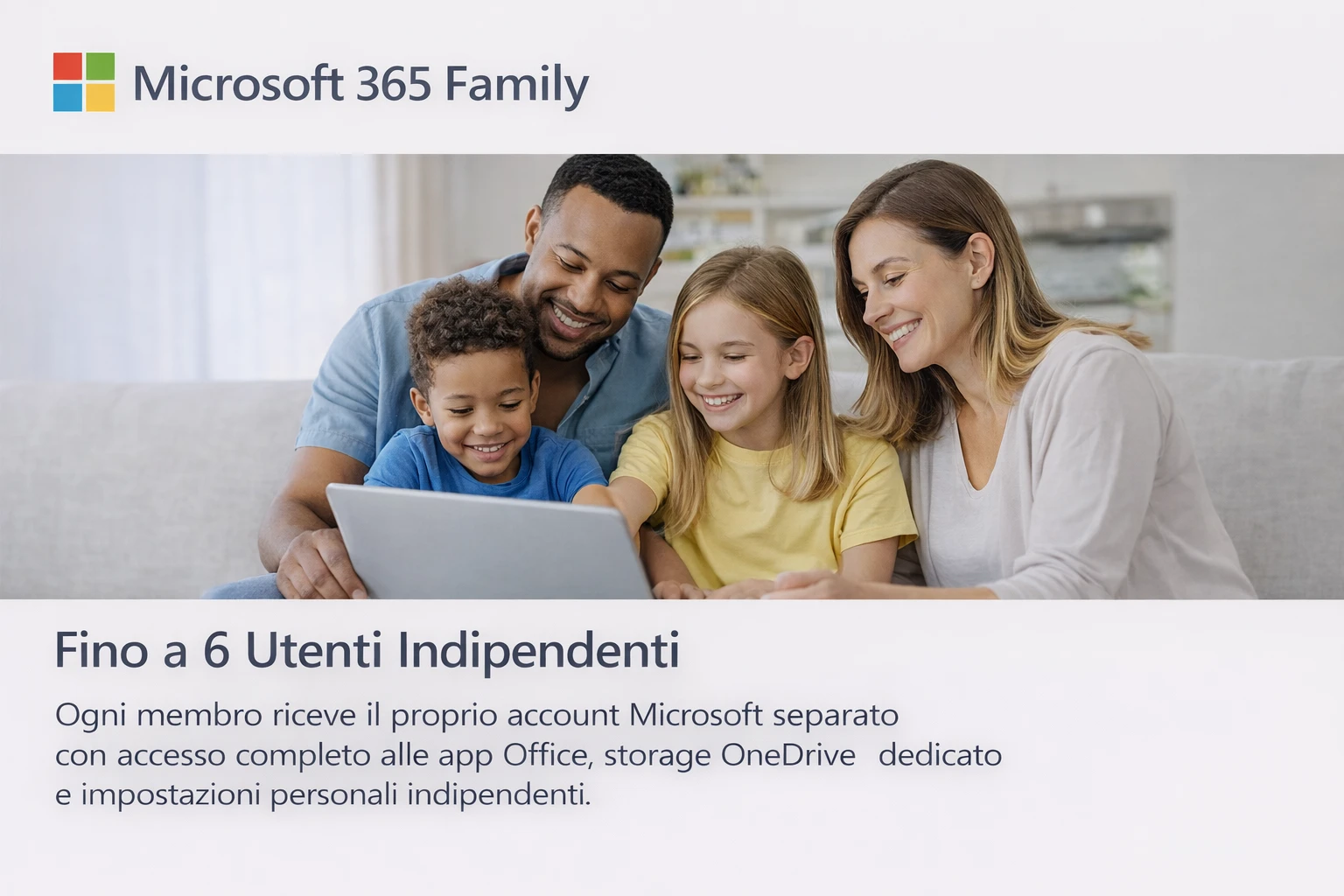
6 Independent Users

Each member receives their own Microsoft account with full access, dedicated storage, and separate personal settings.

5 Devices per User

PC, Mac, tablet, and smartphone: each user can have apps active on 5 devices simultaneously.

Always Up-to-Date Apps

Continuous access to the latest versions of all apps with new features released automatically.

Full Offline Use

Desktop apps work offline after activation. Internet is only needed for sync and Copilot.

Cloud and storage
1TB OneDrive per Person

Dedicated cloud storage with automatic sync on all devices. 6TB total for the family.

Ransomware Protection

Ransomware detection and file recovery for up to 30 days. Documents are always safe.

AI and creativity
Copilot AI

60 credits/month for the primary user: text generation, Excel analysis, and automated PowerPoint slides.

Microsoft Designer

Create AI images, social posts, and professional graphics in seconds, included in your subscription.

Security
Microsoft Defender

Protection against malware, phishing, and ransomware on Windows, macOS, iOS, and Android for all users.

Microsoft Family Safety

Monitor children's devices, set usage limits, and manage purchase permissions. Included for everyone.

Purchase & Assistance
Delivery and activation
1
Order confirmed

Receive your order confirmation via email with full transaction details.

2
Key + Copilot Guide via email within 5–15 min

The product key and the Copilot Premium Guide 2026 PDF arrive together in your order email with full instructions.

3
Activate at account.microsoft.com

Log in, click "Redeem", enter the key — your subscription activates immediately.

4
Install and invite members

Download the apps and invite up to 5 people via email to share the subscription.

Guarantees and support
Guaranteed Key
Verified before delivery. Immediate replacement if necessary.
Post-Purchase Support
Email and chat support. Response within 24 business hours.
4.8
Excellent · 86 verified reviews See on Trustpilot →
Tax Invoice
Automatic for every order. Ideal for VAT numbers and businesses.
Payment Methods
VISAVisa Mastercard PayPalPayPal Bank Transfer ScalapayScalapay PayApple Pay
Frequently Asked Questions
Activation and license
How do I activate Microsoft 365 Family after purchase?
Go to account.microsoft.com/services, log in, and click "Redeem". Enter your key — the subscription activates immediately.
Can I use the key on an existing Microsoft account?
Yes, it is compatible with any Microsoft account. If you already have an active subscription, the 12 months are added to your remaining time.
Does the code expire if I don't use it immediately?
Microsoft codes generally expire 2–3 years after purchase. You can redeem it whenever you prefer.
Users and devices
How do I invite the other 5 users?
From account.microsoft.com/family, click "Invite a member" and enter their email. They will receive a link to join.
Do the other users need to live in the same household?
No. The 6 users can live anywhere in the world. There are no geographical restrictions.
Can I change a subscription member?
Yes. You can remove and add a new member at any time, up to the 6-user limit.
Renewal
Does the subscription renew automatically?
No. This is a prepaid code with no automatic charges. You freely choose whether to renew upon expiration.
What happens to my files if I don't renew?
Apps switch to read-only mode and OneDrive reverts to 5GB. Files remain accessible for at least 30 days.
Compatibility
Does it work on Mac?
Yes. Requires macOS 12 Monterey or later. Optimized for Apple Silicon M1/M2/M3 and Intel.
Does it work on iPhone and Android?
Yes. Apps are available on iOS 16+ and Android 10+. Premium features are unlocked with an active subscription.
Do I need internet to use the apps?
No. Desktop apps work offline. Internet is only needed for OneDrive sync, updates, and Copilot AI.
Copilot Premium Guide (bonus)
When will I receive the Copilot Premium Guide?
The PDF arrives in the same email as your license key, within 5–15 minutes of ordering. It's immediately downloadable.
Is the guide valid for the Family plan?
Yes. The Copilot Premium Guide 2026 is included with Microsoft 365 Family. The content is applicable to both Personal and Family plans.
Can I buy the guide without the license?
Yes. The guide is available separately. Buy standalone guide →
Bonus Included
Microsoft Copilot Premium Guide 2026
Professional PDF · 43 pages · 50+ Ready Prompts · Sent with license key
€ 14.90 Free with license
50+ Professional Prompts
For Word, Excel, PowerPoint, Outlook, and Teams — copy and use immediately.
Workflows for 5 Professions
PM, Sales, Marketing, Legal, and HR — complete ready-to-use scenarios.
Output Quality Protocol
How to verify and improve every Copilot response before professional use.
Privacy & GDPR Guide
What you can share with Copilot — and what should never be included in a prompt.
Continue your shopping! find other products of microsoft 365
Assistenza WhatsApp Scrivici, rispondiamo subito!